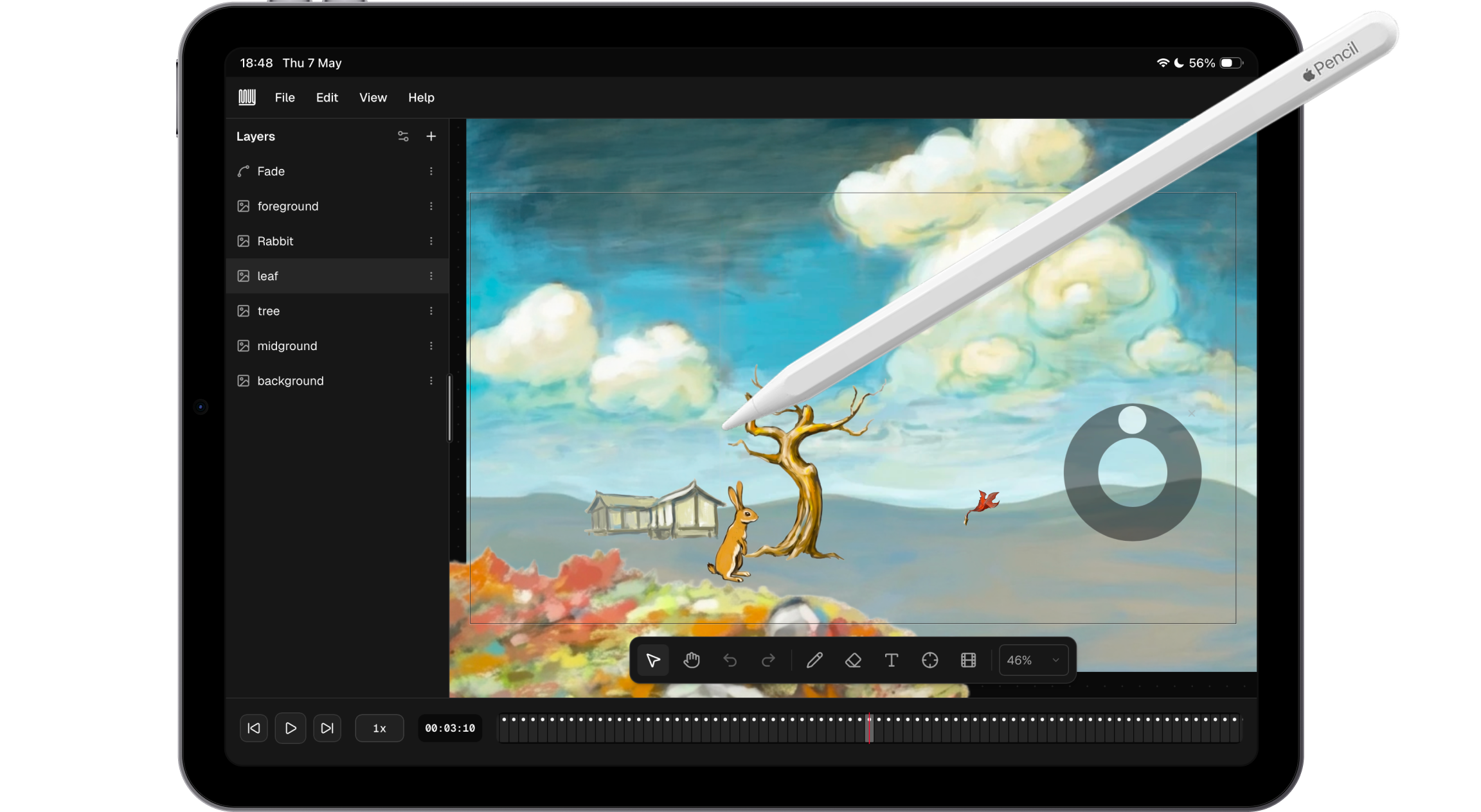
In 2012, Bret Victor gave a deeply inspiring talk called “Inventing on Principle”. Bret’s ideas about immediacy in creative tools reminded me of an article I wrote back in 2009 on reaching the speed of thought – the idea that the best tools collapse the gap between intention and result. Thirty minutes in, he demos an animation app for iPad where he performs an animation in real time. He just dragged an asset with his finger while the timeline played, and the motion was captured exactly as he moved. No keyframes. No tweens. The tool got out of the way and let him just do the thing.
Bret never released that app, and for over a decade I wanted something like it to exist.
Recently, my wife (a surgeon) started creating short Osmosis style instructional videos for her Instagram. I would sometimes help with production, but the tooling was always more friction than it should be. We needed a lightweight, integrated way to animate different assets together and produce a complete explainer video without a complex post-production pipeline. It should be as effortless as explaining a concept on the back of a napkin.
Muy is my answer to both of those things. Named after Eadweard Muybridge, it is a browser-based animation tool where you record animations by performing them, not specifying them.
Product principles as constraints
Before building, I set five principles for the first version. These were meant to function as constraints, differentiators, and a validation checklist.
- Web-based. Modern web APIs have come far enough that a PWA can deliver a UX indistinguishable from a native app. Running in the browser meant no install friction, cross-device access, and all the flexibility of the web platform.
- Optimized for iPad, but usable on desktop. Being web-based made this nearly automatic. I wanted to respect where people actually create content, rather than tethering them to one device or workstation.
- No AI. There is already enough AI-generated slop in the world. Muy is deliberately about enabling human expression. The goal is to help people unlock their intent without AI assistance. I may add minor AI aids in the future, but the core tool is for human authorship.
- No back-end. Everything stays client-side. Projects are stored in IndexedDB. No authentication, no accounts. You just open the URL and use it, like Excalidraw. Simpler, cheaper, and gives users a sense of ownership and control.
- Production-ready. The first version had to produce actual usable output for a wide range of applications, not just a demo. That meant real video export and the ability to compose a complete animation from scratch.
Building with agents
The first version took two weeks of iteration cycles. Sometimes I went straight to code, sometimes I designed the feature carefully in Figma first. This was also a deliberate exercise in integrating agentic coding into my design workflow.
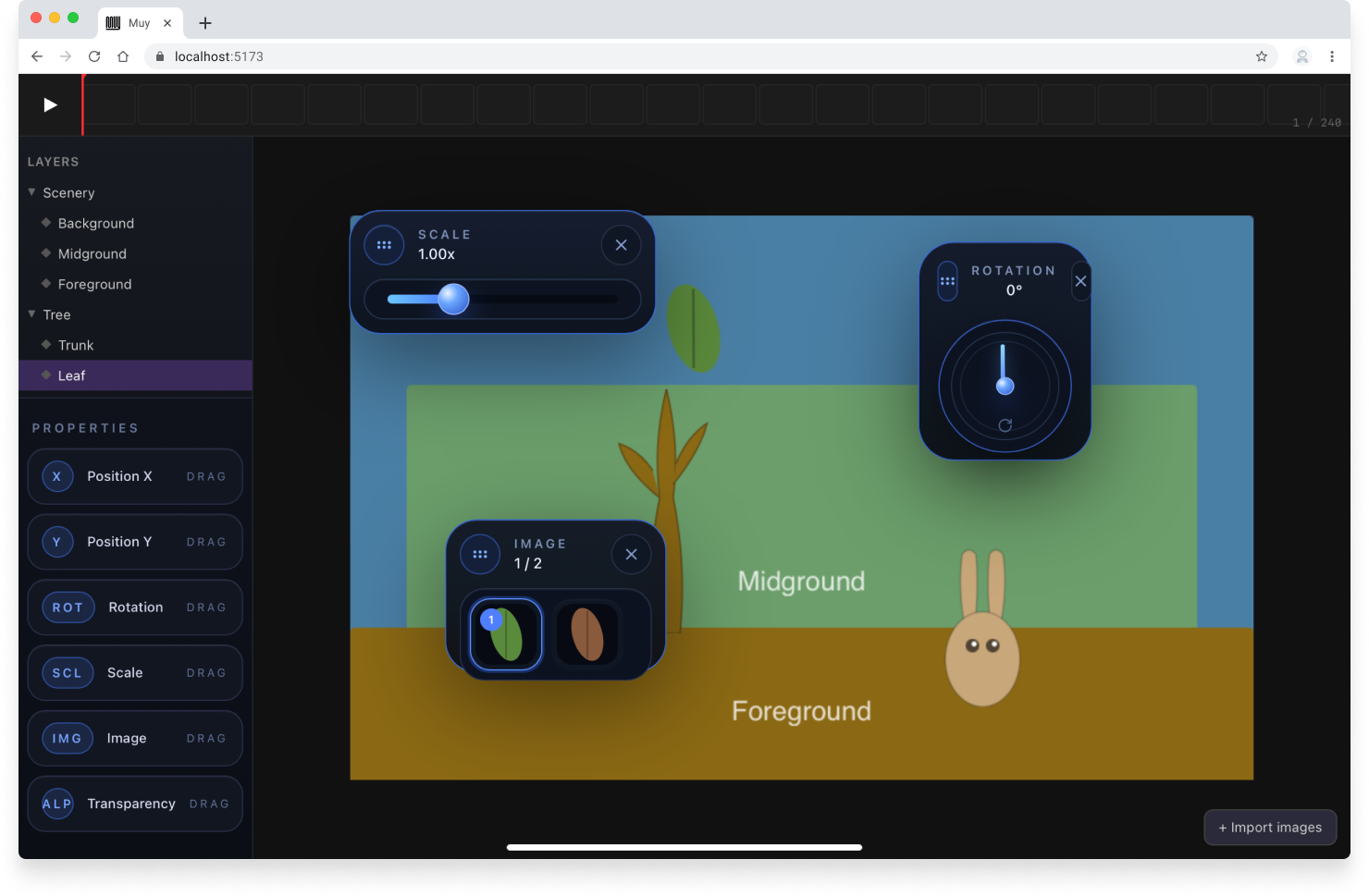
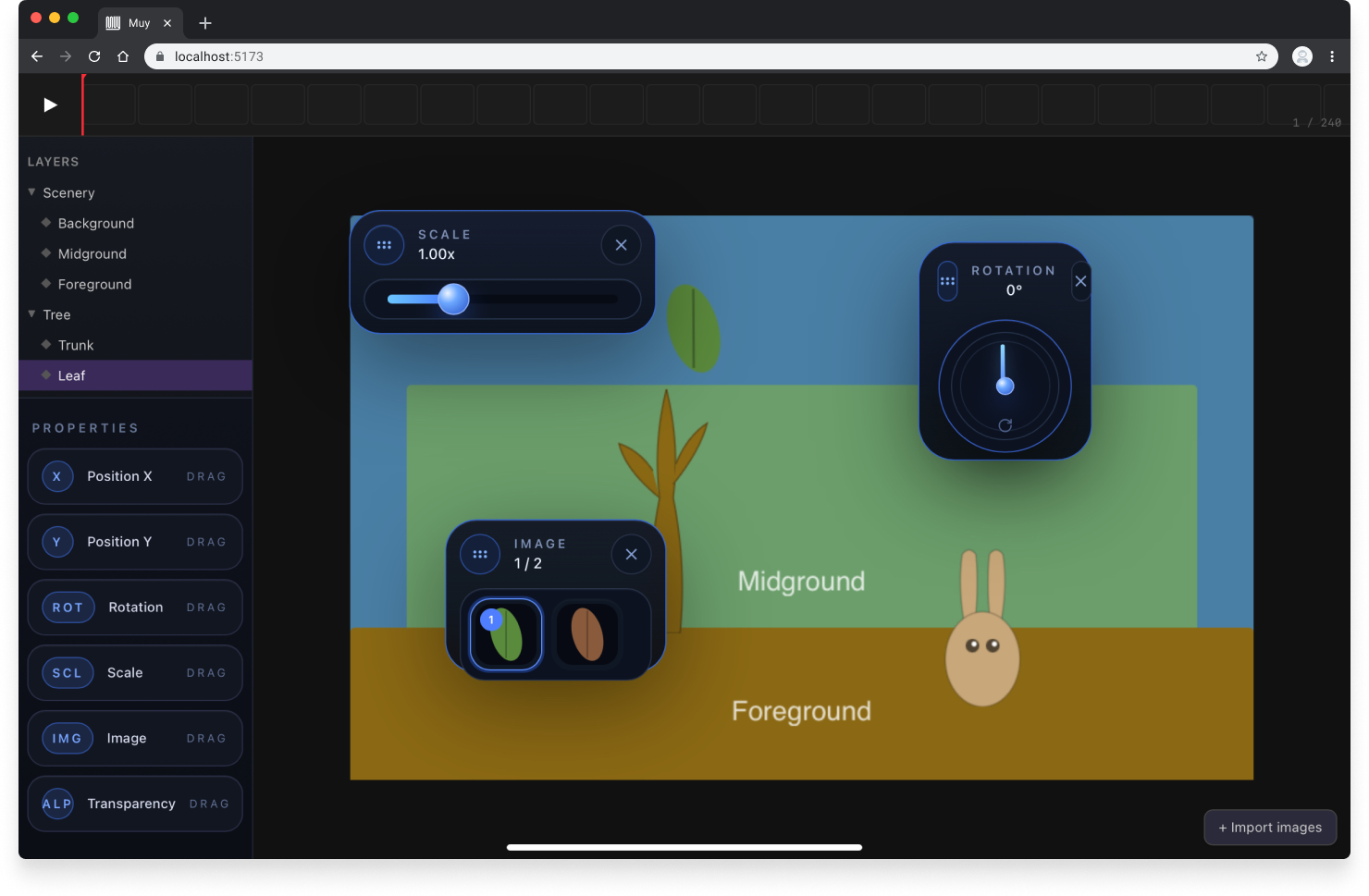
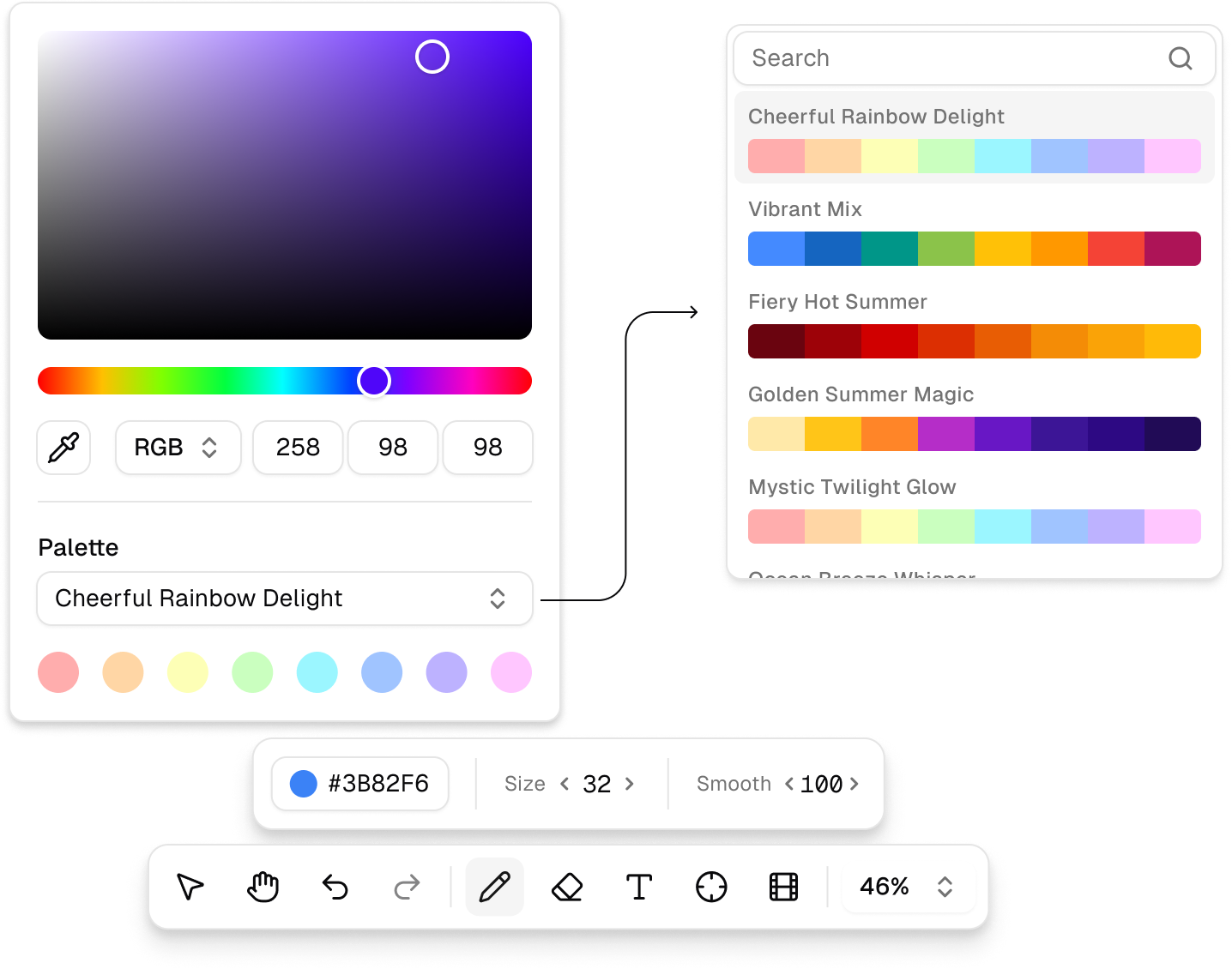
I used Plan Mode extensively for features that required careful thinking before implementing. I used different models for different tasks: frontier models like Claude Opus for complex reasoning and architecture decisions, lighter local models for more mechanical generation to avoid burning token budget unnecessarily. Using a UI framework like shadcn made a lot of things faster and easier, while still leaving meaningful room for customization, particularly in the custom property widgets and the scrubber component.
Custom scrubber component, for a compact number input
The process reinforced something I had suspected but not fully internalized: the value of agentic coding is not just speed. It’s the ability to iterate fast, and that changes how you explore a problem space. In this case, I was a user, along with a few friends, so the feedback loops were short.
The core mechanic
Muy’s animation paradigm is performance recording. You select a layer (or layers), press Play, and manipulate their properties while the animation plays. With each passing frame, the new property value is recorded. When you stop, the animation reflects exactly what you did.
Instead of planning keyframes and interpolation curves, you simply show the tool what you want. It’s like putting on a puppet show, with a little more control. Are we ready for vibe animating? Sorry for suggesting that 😬️
In addition to layer position, you can also manipulate rotation, scale, transparency, and a character-by-character text or vector path reveal, all using the same “record while you play” model. Layers also have individual sensitivity controls, allowing for finer property adjustments or different reactions when manipulating multiple layers at once. This lets you simulate parallax camera effects, for example.
The interesting design challenge is making the tool invisible enough that the performer stays in flow.
Solar system model, using the layer sensitivity to simulate different orbital periods
Try it out
The hosted version lives at muy.video. The code is open-source at github.com/jpfaraco/muy.
Saved projects are stored locally in IndexedDB and you can export them as self-contained .muy files with inlined base64 assets. The app installs as a PWA and runs in standalone mode, indistinguishable from a native app.
I still have some ideas and hope to keep evolving it. And I hope other people find it useful for making neat videos.